
Run ten agents without losing track of one.
You started four Claude Code sessions. One finished ten minutes ago. One is stuck on a yes-or-no question. Two are still working. In a tabbed terminal you can't tell which is which.
Tabs were built for one person typing in one shell.
Agents changed the job. You no longer type in one terminal. You start a handful of sessions, step away, and come back to check on them. The terminal still shows one tab at a time and hides the rest.
That costs you in three ways, every day:
An agent waits on a question you can't see
It asked "Apply this edit?" in a background tab twenty minutes ago and has done nothing since.
You check every tab to find the one that's ready
⌘1, ⌘2, ⌘3, read, ⌘4. Each check pulls you out of what you were doing.
You can't tell when a command finished
The test run ended at some point. Scrolling back to find out when, and how long it took, is your job.
Same shells. Every one of them visible.
BentoTerm runs your normal login shell, so your aliases and prompt work as before. What changes is the window around each shell.
| Tabbed terminal | BentoTerm | |
|---|---|---|
| Where agents live | Stacked behind one window | One native window each, snapped into place on the desktop |
| Who needs you | Click each tab and read it | That agent's light turns orange, and it can play its own note |
| When a run finished | Scroll back and guess | A receipt on the header: node · 1m 55s · 12:25 |
| Checking one quickly | Switch tabs and lose your place | Hold Space over it, read, let go |
| Window size | Drag corners, change font in settings | Three fixed sizes on ⌘-scroll, font size on pinch |
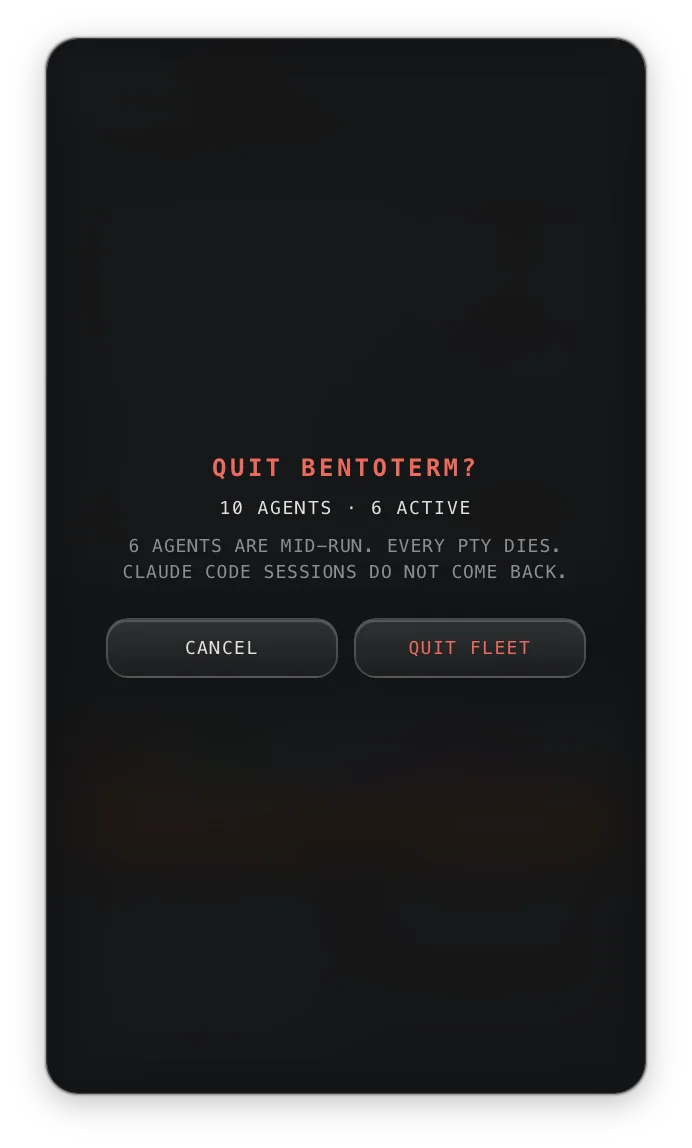
| Quitting by accident | ⌘Q closes every session | ⌘Q asks first and tells you how many agents are mid-run |
Six features, all built around one fact: you run more than one agent.
It knows when an agent stopped to wait for you.
Each window checks which process holds its terminal. If that's the shell, the agent is idle. If a command holds it and output is flowing, it's running. If a command holds it and output has been silent for three seconds, it's awaiting input, and the light turns orange.
- Works with Claude Code and with any other CLI agent or long-running command
- The hub mirrors every light, so one glance covers the whole fleet
- Optional auto-promote: a waiting agent grows to full size, but only after you've been idle for 10 seconds
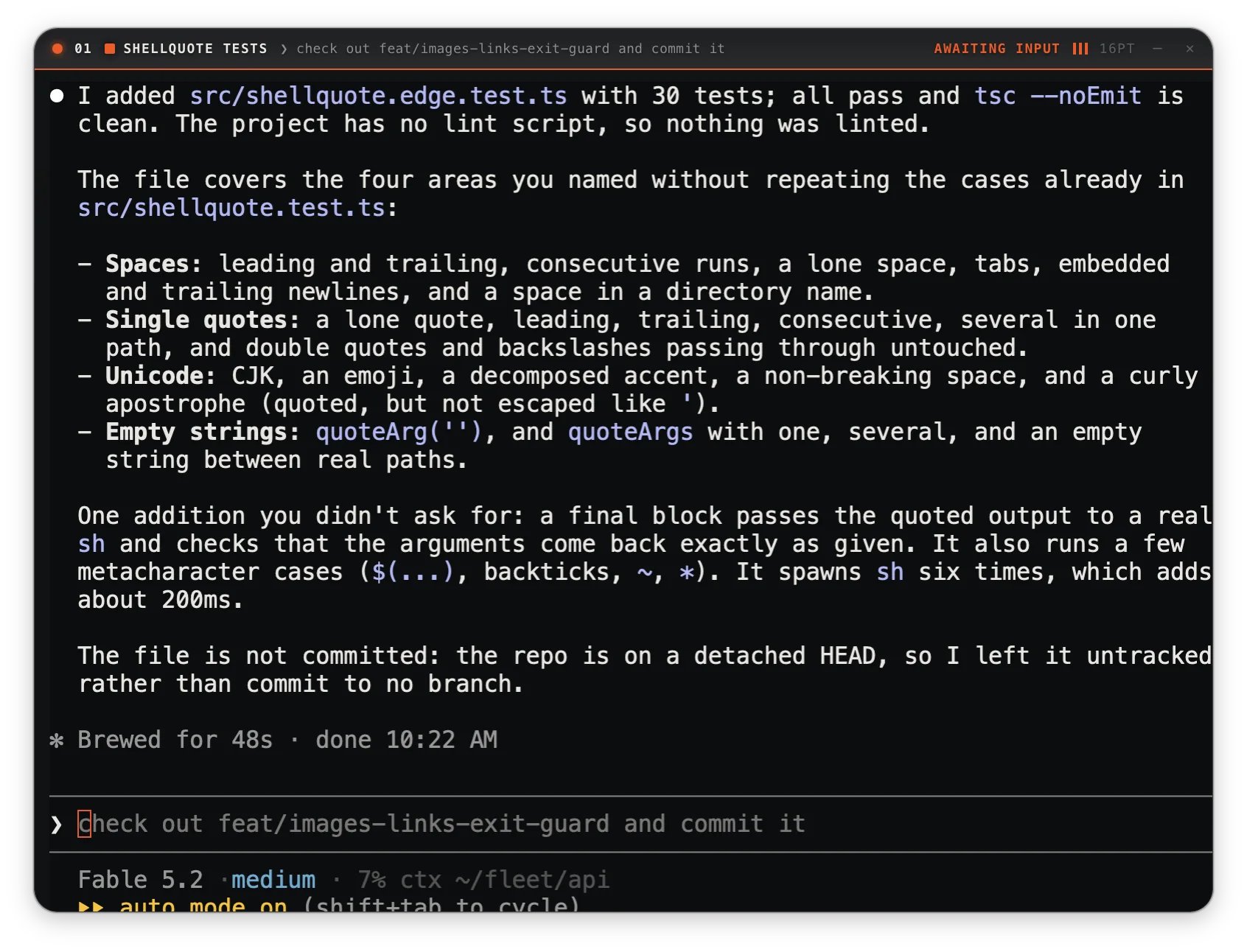
Every command leaves a timestamp.
When a command finishes, the window header shows what ran, how long it took, and the time it ended. If a shell exits, the window shows an exit panel with RESTART, which reopens the shell in the same folder.
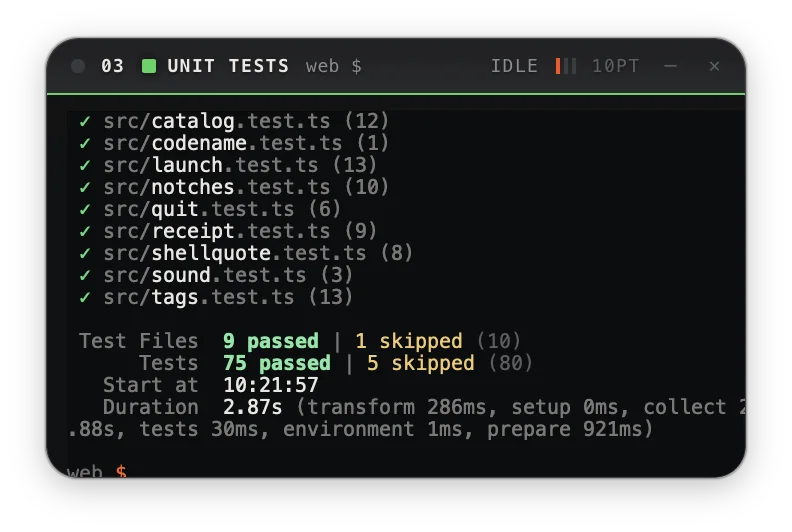
Arrange the desktop with your hands, not menus.
Windows come in three sizes: compact (350×220), standard (550×400) and hero (800×600). Hold ⌘ and scroll to move between them. Drag a window near another and it snaps into place with an 8px gap. Hover over any window and hold Space to enlarge it without moving focus. Let go and it returns.
- Pinch or ⌘= to change font size without resizing the window; each agent remembers its own size
- ARRANGE in the hub tidies every window in one press
- Window layout, sizes and working folders come back the next time you open the app
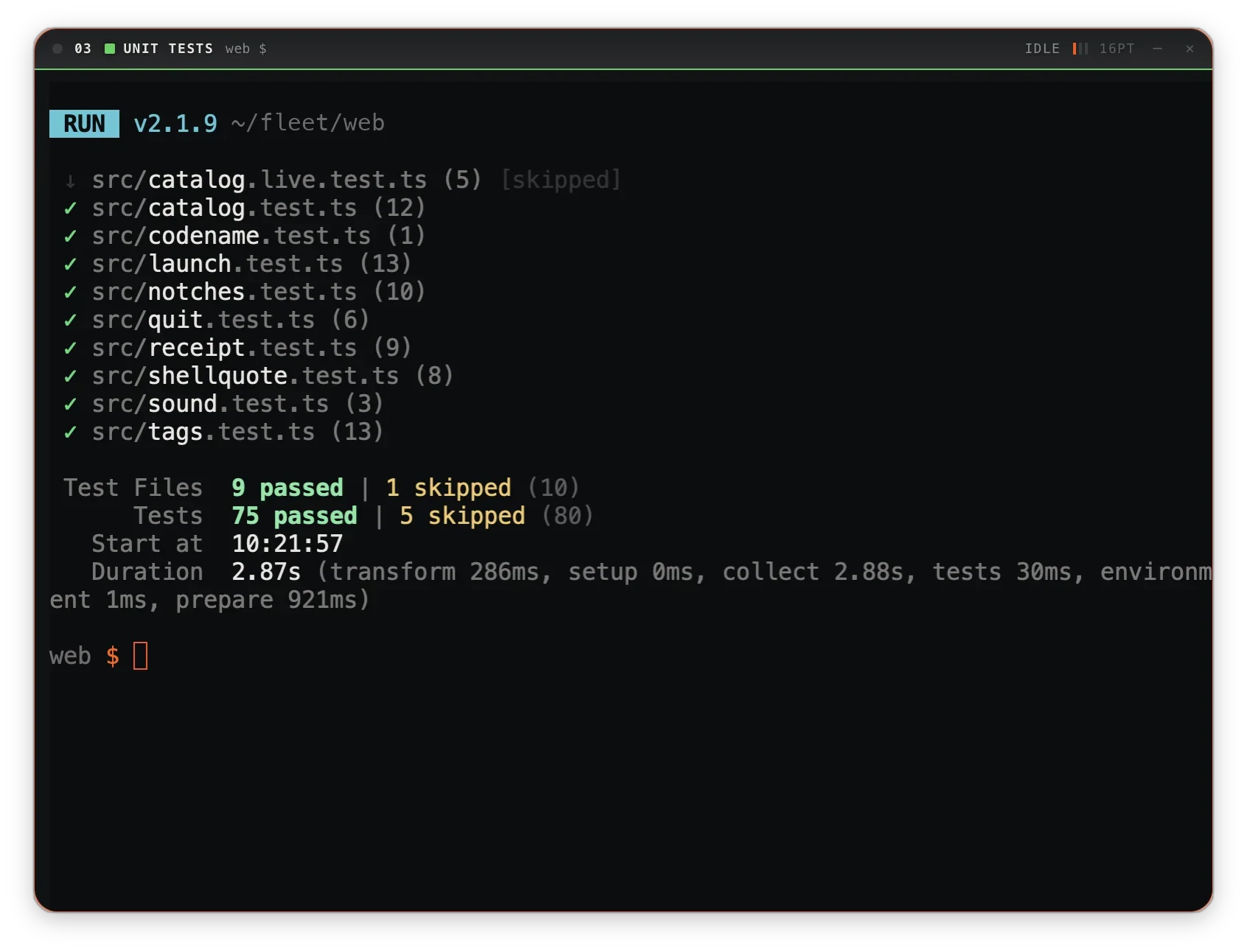
You can tell which agent needs you by ear.
Each agent gets its own note on a pentatonic scale, so several agents sounding at once still sound pleasant. A rising fifth means an agent is waiting for you. A falling cadence means a run of five seconds or more finished. Leave tones on and you can work in another app. Press the buttons below to hear them.
Start an agent with one key.
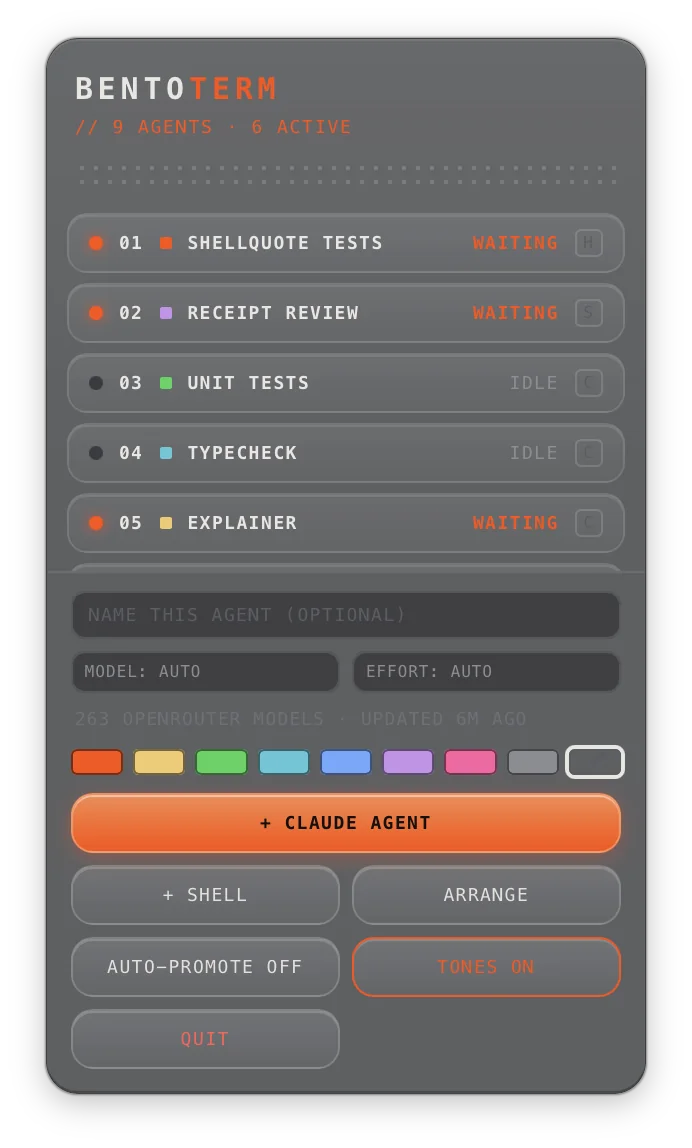
⌘T starts a Claude Code agent in the current folder. You can choose its model and effort before it starts, and you can give any agent a name and one of eight colors so you can spot it across the room. To route an agent through OpenRouter, pick from a model list that refreshes itself, so it doesn't go stale.
Small fixes for things agents need.
- Drop a file on any window to type its path, quoted, at the prompt
- ⌘⇧I takes a screen grab and gives the agent the image's path
- ⌘Q asks first and tells you how many agents are mid-run, because quitting ends every session
- A native Rust app (Tauri, xterm.js with WebGL), not a browser tab dressed up as a terminal
$9.99, paid once. No subscription.
If BentoTerm points you to one waiting agent you would have missed, it has paid for itself.
- The full app, with every feature on this page
- Unlimited agents and windows
- Free updates for the 1.x series
- No account, no sign-in, no telemetry
- Try it free for 3 days before you buy
- System
- macOS on Apple Silicon
- Look
- Liquid Glass on macOS 26; translucent background on earlier versions
- Agents
- Any shell command. The ⌘T hub key starts Claude Code, if you have it installed
- Network
- None, except the OpenRouter model list, and only if you choose an OpenRouter model. License keys are checked offline.
Questions people ask before they buy.
Do I have to use Claude Code?
No. Every window is a normal login shell. The status lights read the terminal itself, not one tool, so Codex, Aider, a dev server or a long cargo build all show running, waiting and done the same way. Claude Code only gets its own key: ⌘T.
How does it know an agent is waiting on me?
It asks the operating system which process holds each terminal. If that's a command rather than your shell, and the command has printed nothing for three seconds, the window counts it as awaiting input. Claude Code goes quiet when it asks you something, so this check catches it.
What happens to my agents when I quit?
Every shell closes, so every agent stops. Window positions, sizes, folders, names and colors all come back next time. Running conversations do not. That's why ⌘Q asks first and tells you how many agents are mid-run.
Does it replace my everyday terminal?
It can. It runs your login shell with your config. But it's built for running several agents side by side. If you work in one shell at a time, your current terminal is already fine.
Windows or Linux?
Not today. BentoTerm uses native macOS window, glass and process APIs, and those parts have no direct equivalent on other systems.
Is there a free trial?
Yes. BentoTerm runs fully for 3 days from first launch, no account needed. After that, a $9.99 license keeps new agents spawning. Agents that are already running are never interrupted, and your saved layout comes back the moment you activate.
Is it a subscription?
No. You pay $9.99 once and keep the app, with free updates for the 1.x series.
Stop checking tabs to see which agent is ready.
One window per agent, each with its own status light. $9.99, paid once.